Group Bookings: Surfer Portal Guide
A step-by-step guide to registering your group’s surfer details ahead of your visit.
Before You Start
Please only access the Surfer Portal once you have all of the following information for everyone in your group who will be getting in the water:
- Full name
- Date of birth
- Email address
- Telephone number
You’ll need this information to complete the portal, and you won’t be able to finish the registration process without it.
STEP 1
Access the Surfer Portal
Click the link provided to open the Surfer Portal.
STEP 2
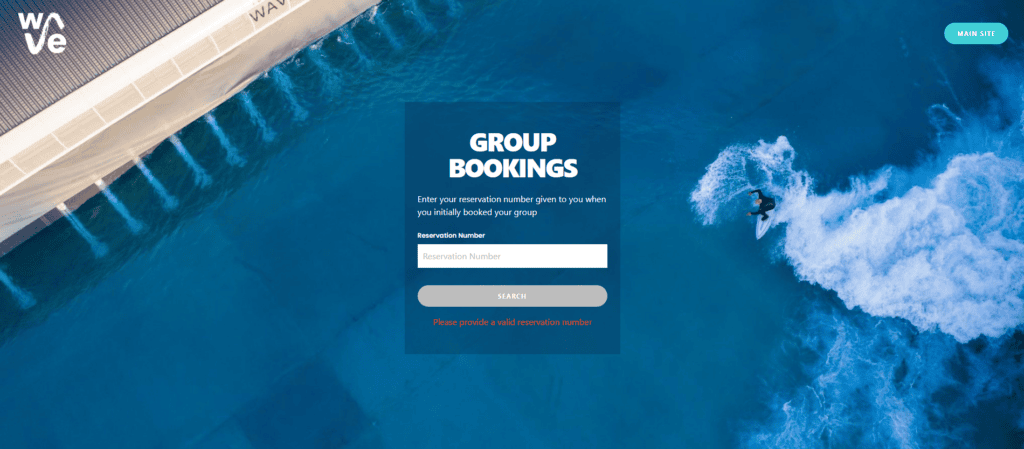
Enter Your Booking Reference
Enter your unique 12-digit booking reference number into the portal. Your reference number starts with “77”.
Please make sure you enter the number without any spaces.
STEP 3
View Your Bookings
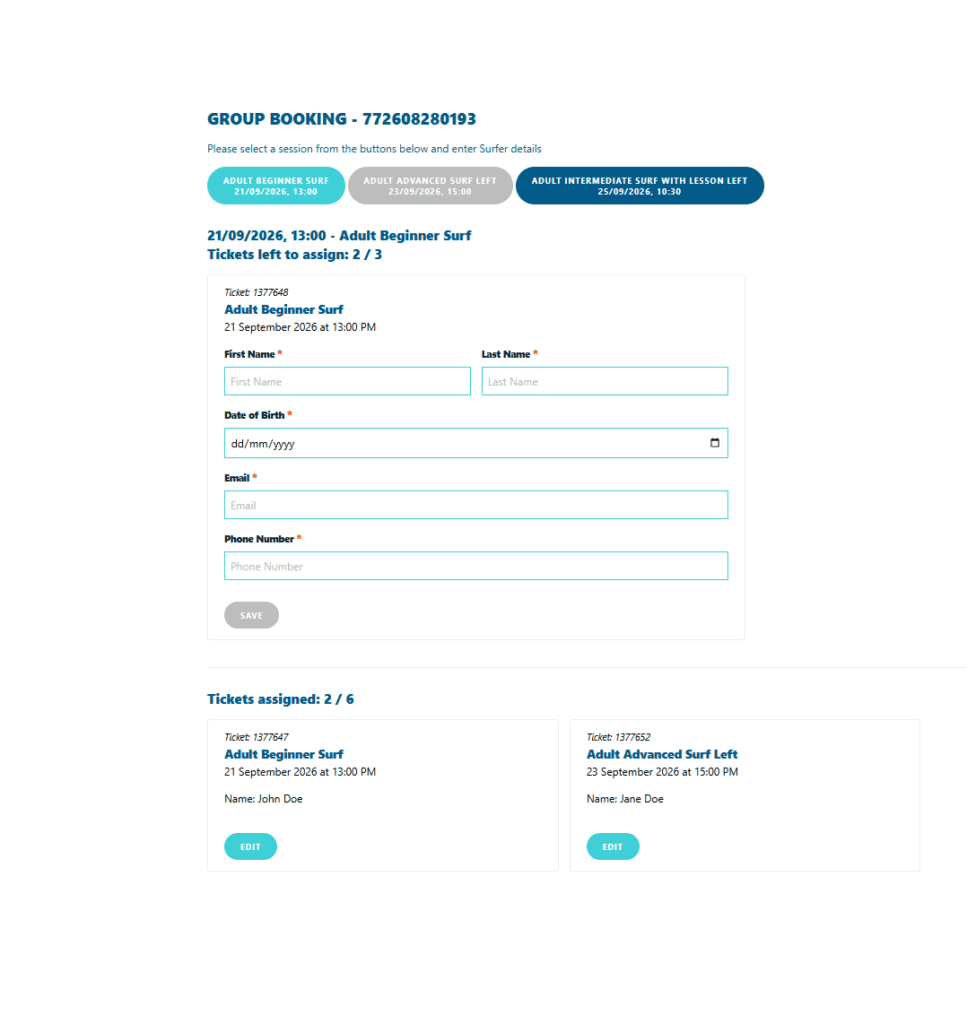
Once you’re logged into the portal, you’ll see all your booked surf sessions and lessons displayed as pill-shaped tabs at the top of the page.
The bright turquoise tab shows the session you are currently entering surfer details for.
The deep navy blue tabs show sessions still to be entered.
Please double-check that you’ve selected the correct session (highlighted in turquoise) before allocating surfer details, to make sure they’re assigned to the right session.
Please also make a note of whether you are entering details for the left or right side of the lake. This applies to all surf sessions and lessons, except beginner lessons and Play in the Bay.
Oops, You Made a Mistake?
If you accidentally enter the wrong name against the wrong session, don’t worry; you can edit your entry by clicking the ‘Edit’ button by the individual’s name.
STEP 4
Track Your Progress
Once you’ve completed adding the details for everyone attending a session or lesson, that box will grey out, showing it’s done.
You can keep track of whose details you’ve entered so far by scrolling down the page to see the list of names entered to date.
STEP 5
Complete the Waiver
Once you have entered all participant details, please send the group the link below so that each person can complete their waiver.
The Wave | Surf Operations – Waiver Portal
Please ask each participant to log in to the waiver signing portal using the same email address you entered for them in the Surfer Portal.
IMPORTANT
Every participant must sign their waiver before taking part in a surf session/lesson. Anyone who has not signed their waiver will not be permitted to enter the water. Please make sure all waivers are completed before arriving at The Wave.